MiWeigh Dashboard Overview
Introduction
The MiWeigh Dashboard serves as a powerful gateway for mastering production data and streamlining operations. Designed with an intuitive and seamless interface, the dashboard empowers users to access, analyse, and interpret critical information about their operations. Whether you aim to improve production efficiency, minimise waste, or enhance operator performance, the MiWeigh Dashboard equips you with the tools to achieve these goals effectively. Through real-time data visualisation, customisable reports, and in-depth analysis capabilities, the dashboard provides actionable insights that can significantly boost your organisation’s performance and growth.
Getting Started
Login Process
Logging into the MiWeigh Dashboard is your first step towards optimising your production processes. Upon navigating to the login page, you’ll encounter a user-friendly interface that ensures a smooth login experience. Enter your credentials to gain access to the dashboard. A screenshot of the login page can guide users through this process with clarity and ease.
Dashboard Homepage
Once logged in, you are greeted with the MiWeigh Dashboard homepage, your centralised hub for accessing a wealth of tools and information. The homepage bridges the gap between data and actionable insights, allowing you to seamlessly navigate through the platform’s functionalities. A screenshot of the main dashboard interface provides a visual reference for new users.
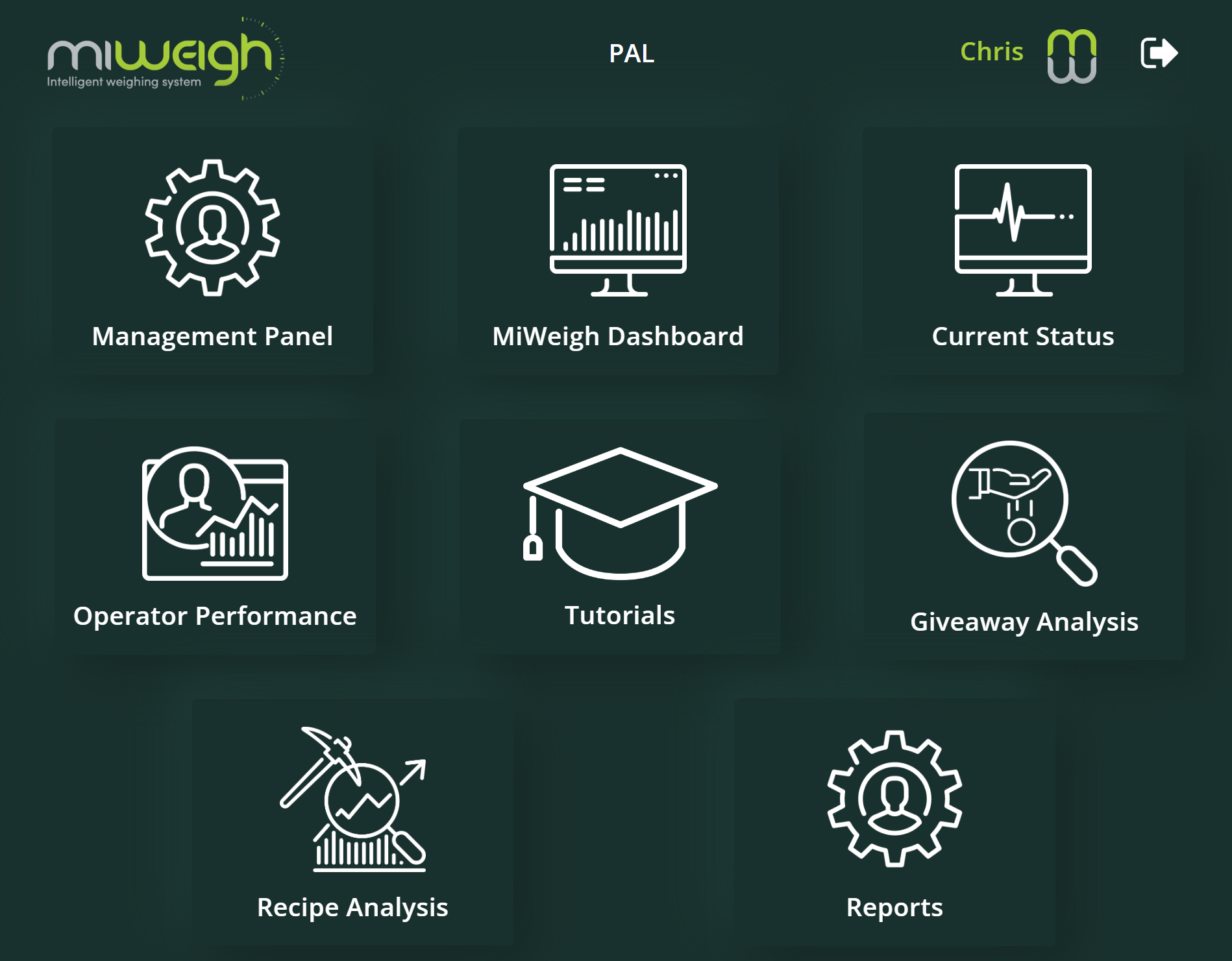
Key Features and Functionalities
1. MiWeigh Dashboard
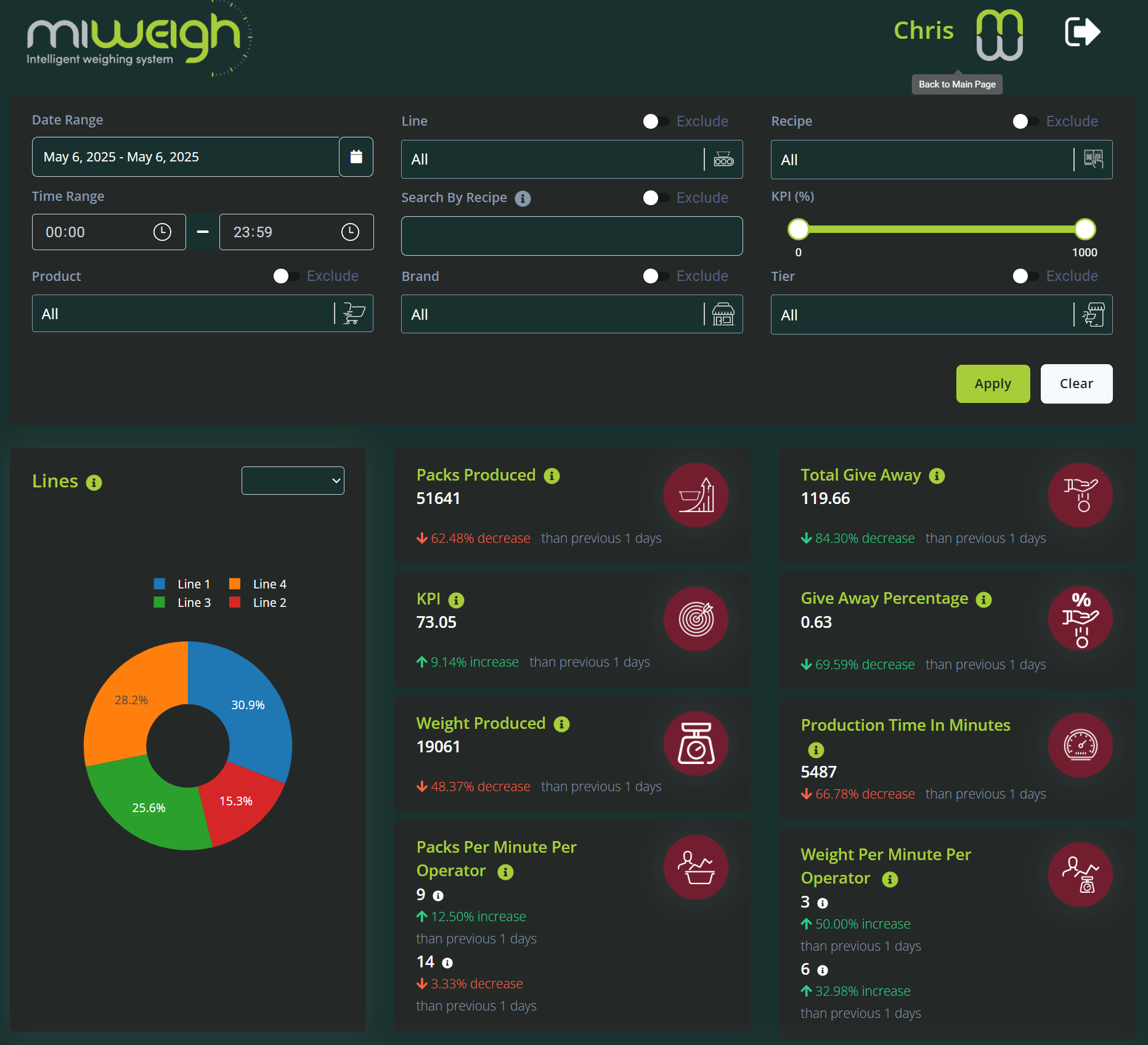
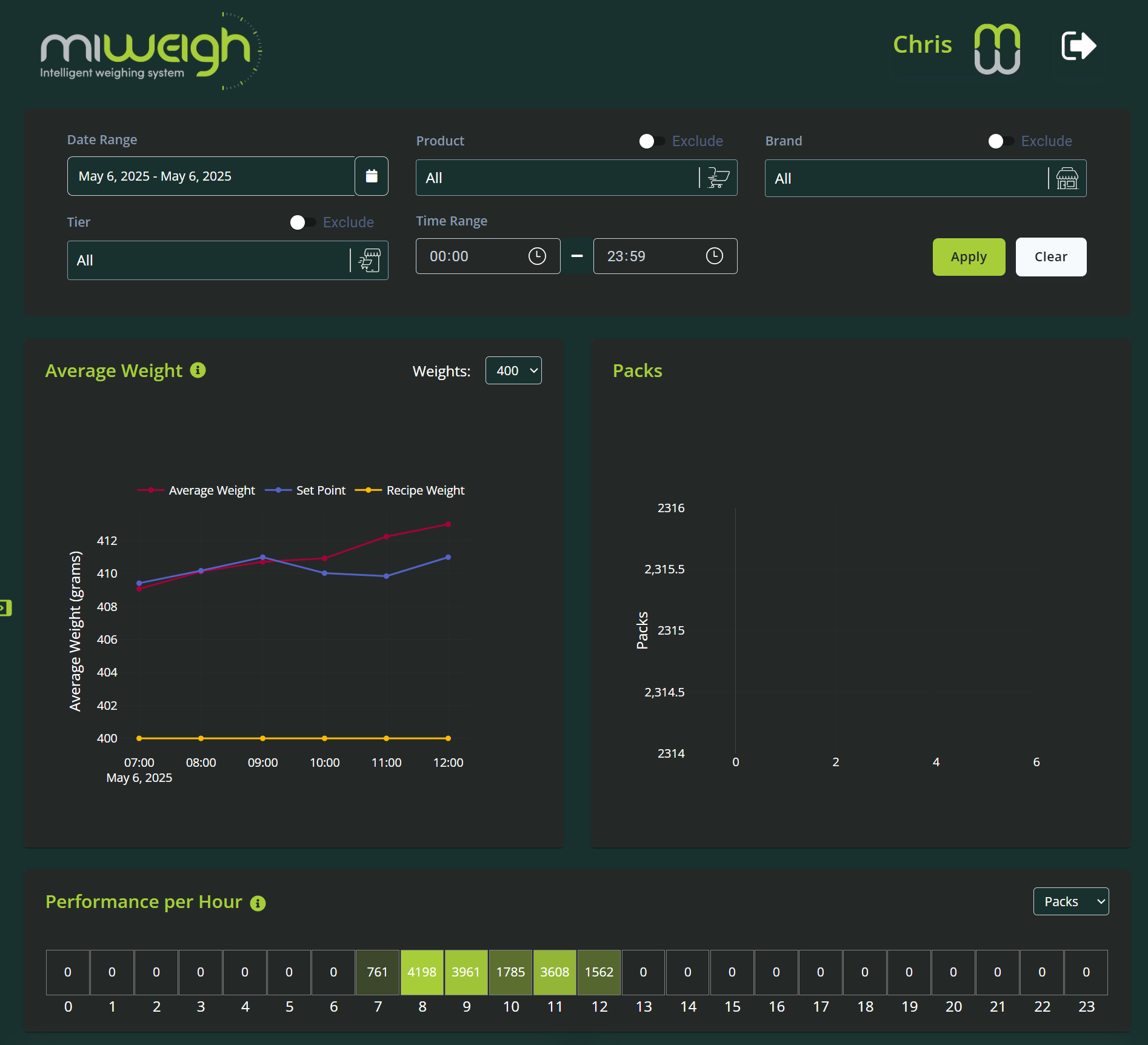
The Dashboard Overview section provides an aggregate view of your production output. Here, users can monitor production trends, identify areas for improvement, and gain real-time insights into production volumes and batch completions. This section is vital for making swift, informed decisions. A visual representation of this section ensures users can easily locate and interpret the data.
2. Giveaway Analysis
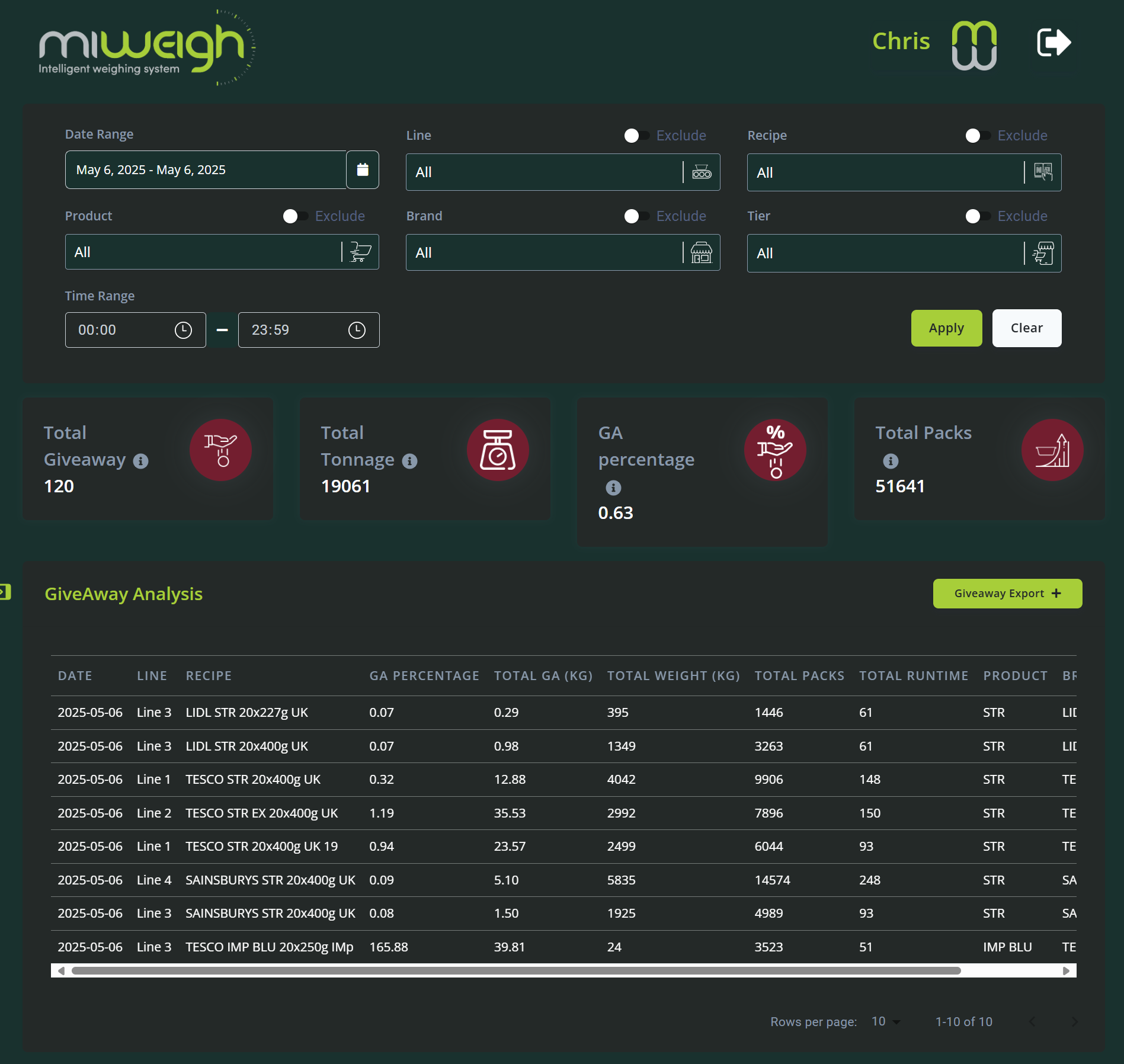
Dive deep into your weighing processes with the Weigh Analytics feature. This section allows you to analyse key metrics such as accuracy, throughput, and deviations. By leveraging these insights, you can optimise weighing operations to reduce waste and enhance overall efficiency. Including a screenshot of the analytics interface will help users understand how to access and utilise these tools effectively.
3. Current Status
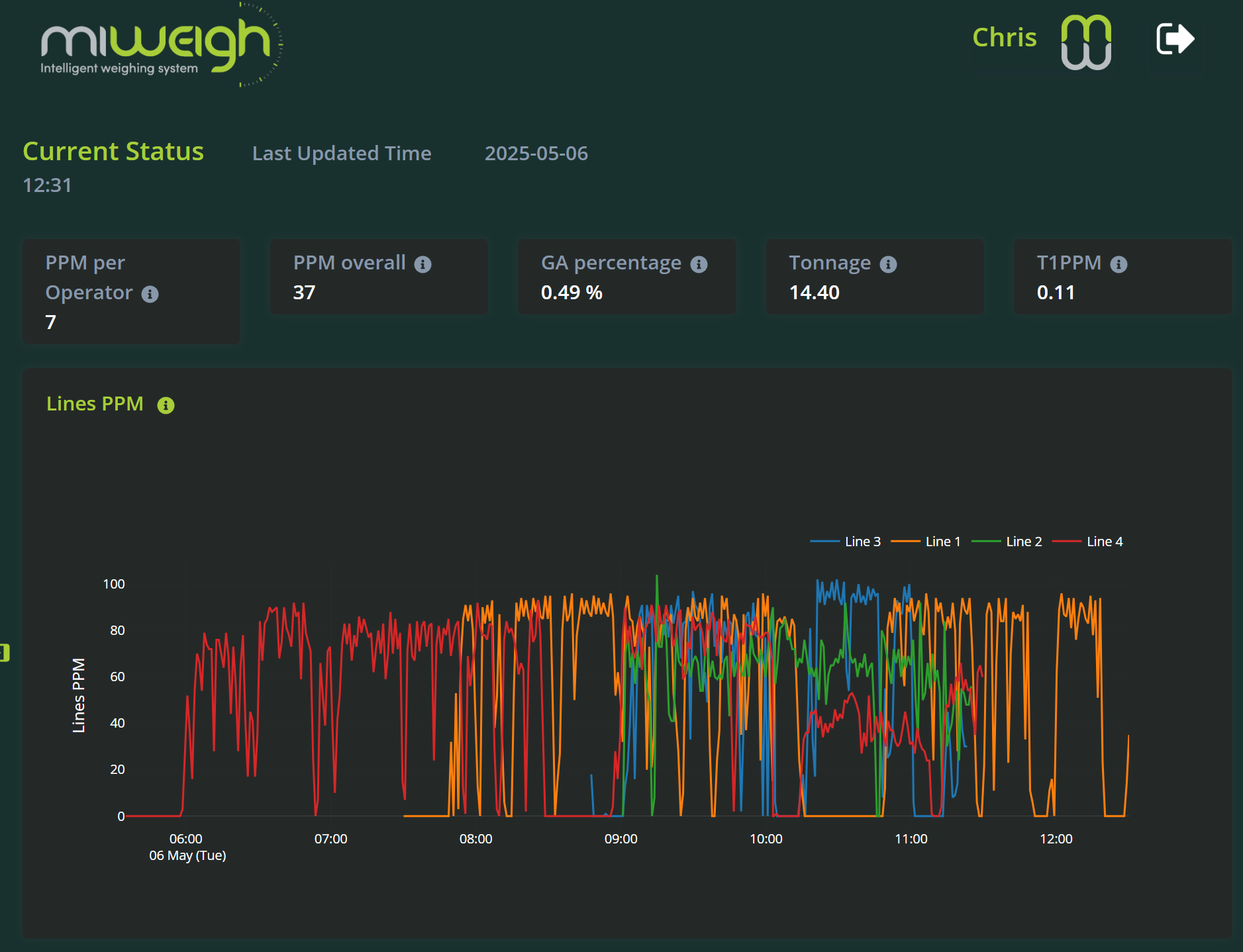
Monitor the real-time status of your machinery through the Machine Status feature. This tool provides critical information on operational uptime and maintenance alerts, enabling you to schedule preventive maintenance and address issues proactively. A visual example of the machine status panel offers clarity on its functionalities and benefits.
4. Operator Performance
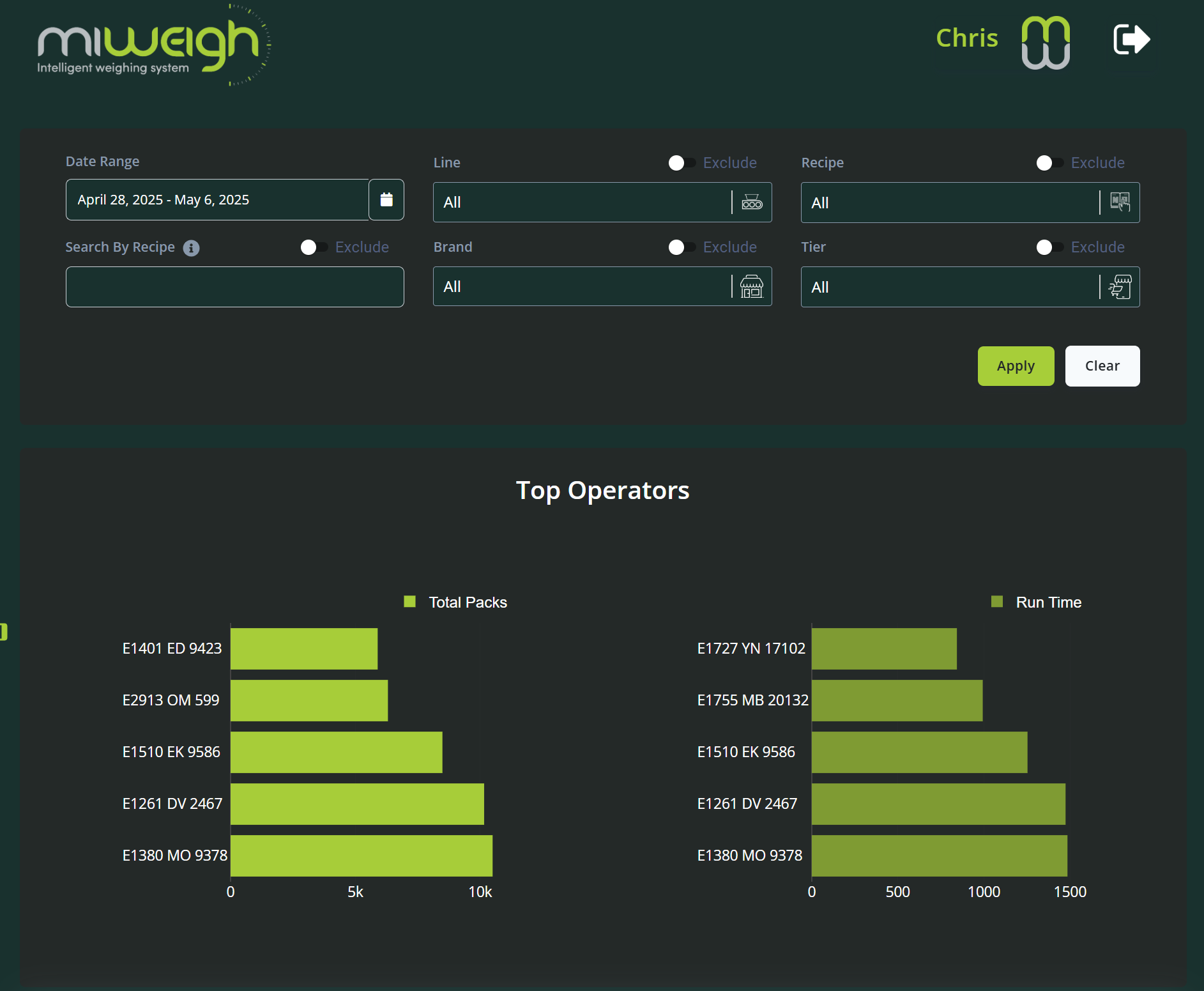
Evaluate individual operator performance to foster a culture of continuous improvement. This feature highlights top-performing operators and identifies areas where additional training may be required. Such analysis is crucial for maintaining efficiency on the production floor. A screenshot of the performance analytics section enhances understanding and accessibility.
5. Tutorials
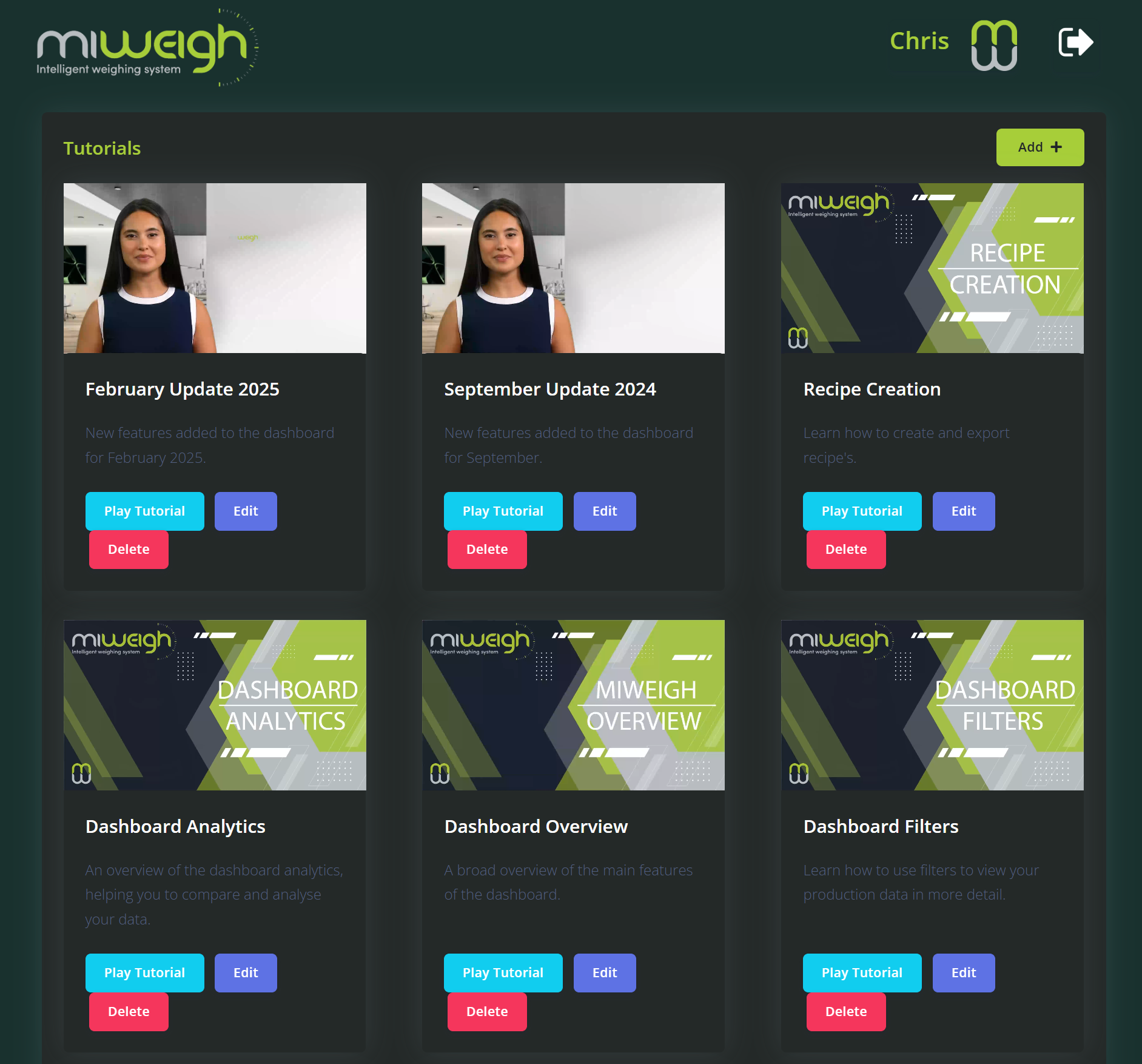
The MiWeigh Dashboard includes a comprehensive library of tutorials, ranging from basic navigation to advanced analytics. These resources are invaluable for maximising the potential of the platform and ensuring that users and their teams can fully leverage its capabilities. A visual guide to the tutorials section can aid users in finding and utilising these learning tools.
6. Recipe Analysis
The MiWeigh Dashboard includes a comprehensive library of tutorials, ranging from basic navigation to advanced analytics. These resources are invaluable for maximising the potential of the platform and ensuring that users and their teams can fully leverage its capabilities. A visual guide to the tutorials section can aid users in finding and utilising these learning tools.
7. Reports
The MiWeigh Dashboard includes a comprehensive library of tutorials, ranging from basic navigation to advanced analytics. These resources are invaluable for maximising the potential of the platform and ensuring that users and their teams can fully leverage its capabilities. A visual guide to the tutorials section can aid users in finding and utilising these learning tools.

Admin Features
Management Panel
For users with administrative access, the Management Panel offers powerful tools for adding and managing operators. This feature streamlines team management, enabling admins to maintain up-to-date operator lists and ensure smooth integration of new staff members. The Management Panel’s capabilities are essential for expanding your team’s effectiveness and maintaining operational cohesion. Including a screenshot of the admin interface will provide clarity on navigation and functionality.
Benefits of the MiWeigh Dashboard
The MiWeigh Dashboard is designed to empower users with the information and tools necessary for optimising production environments. By utilising the dashboard’s comprehensive features, users can enhance operational efficiency, reduce costs, and improve product quality. These benefits are accessible through the platform’s user-friendly design and robust data analysis tools. Screenshots of detailed reports generated by the dashboard illustrate its impact and value to your operations.
Conclusion
The MiWeigh Dashboard stands at the forefront of operational excellence, providing users with the knowledge and confidence to harness their data for maximum effect. By exploring the dashboard’s diverse functionalities, you can transform your operations, achieving greater efficiency and productivity. Start exploring today and discover how the MiWeigh Dashboard can revolutionise your approach to production management.
Was this article helpful?
That’s Great!
Thank you for your feedback
Sorry! We couldn't be helpful
Thank you for your feedback
Feedback sent
We appreciate your effort and will try to fix the article